How to unsubscribe from scheduled Looker reports
If you are receiving scheduled Looker email reports and no longer wish to receive them, this guide will walk you through the quick process of unsubscribing from specific schedules and managing your email preferences.
If the report is sent to a group email address, unsubscribing will effectively unsubscribe all members of that group- Open the Looker report you no longer wish to receive and click the Unsubscribe button.
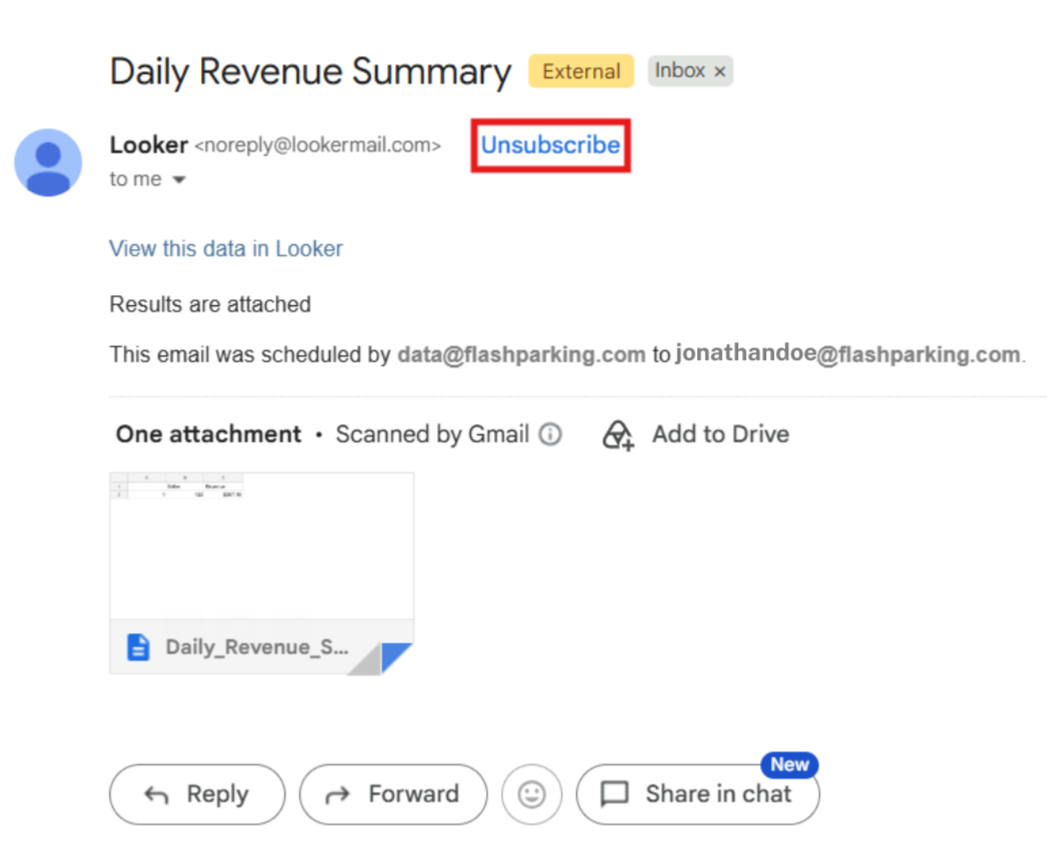
- You will be redirected to a page providing the option to unsubscribe from the report schedule.
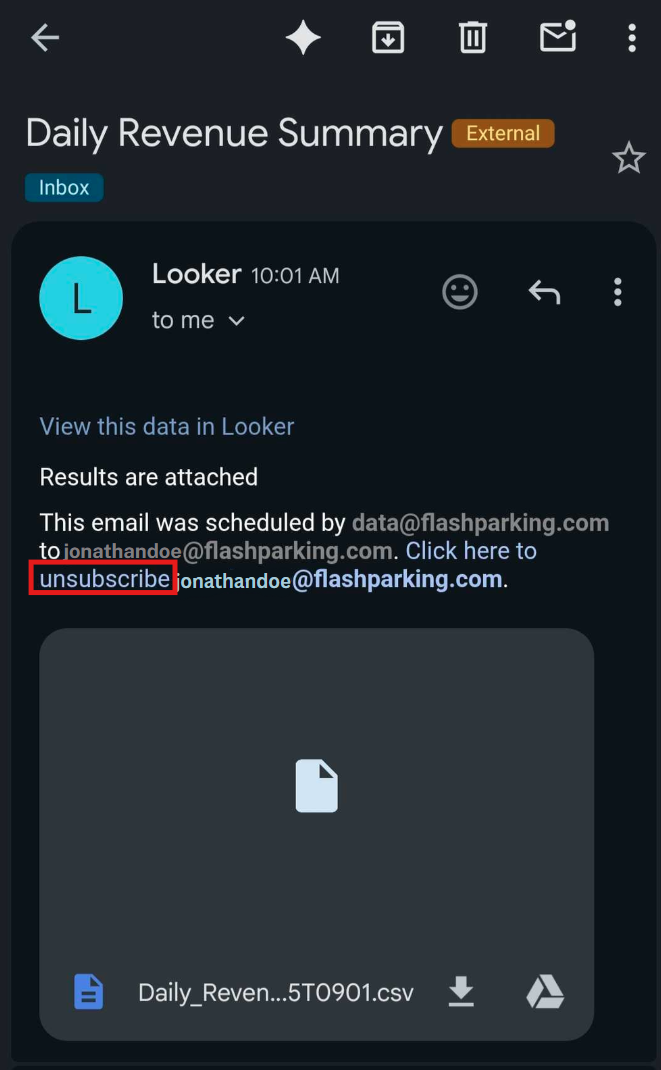
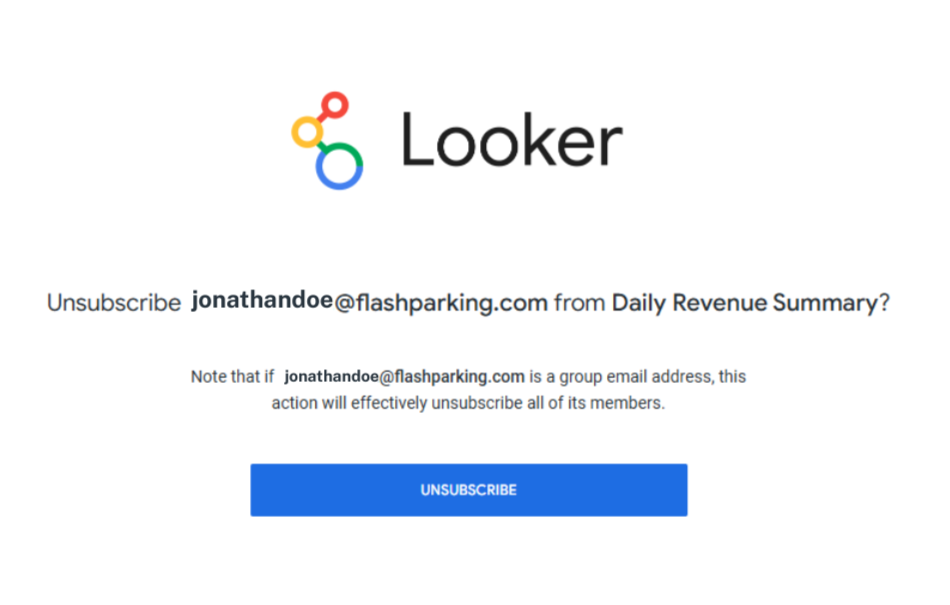
- Select the Unsubscribe button. A confirmation message will be displayed, and you will no longer receive these scheduled reports.
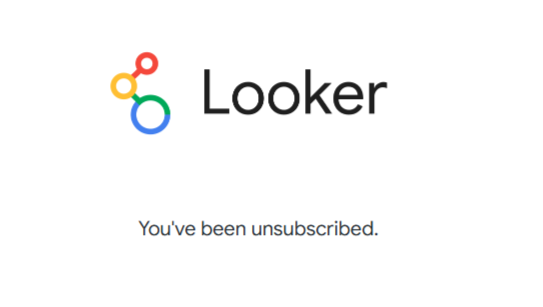
If you wish to re-subscribe in the future, please contact support at reports_specialists@parkwhiz.com
Was this article helpful?
That’s Great!
Thank you for your feedback
Sorry! We couldn't be helpful
Thank you for your feedback
Feedback sent
We appreciate your effort and will try to fix the article