ENTERPRISE SSO (SINGLE SIGN-ON)
 |  |
Flash allows users to securely access supported Flash portals using Single Sign-On (SSO) with a single set of login credentials. Multi-factor authentication (MFA) is required for added account security. SSO eliminates password fatigue and prevents users from having to repeatedly log in as they navigate between different Flash portals.
SSO Options
Flash supports three Single Sign-On (SSO) authentication methods depending on how your organization manages user accounts.
SSO with Multi-Factor Authentication (MFA)
This option is intended for organizations that do not use their own identity provider (IdP).
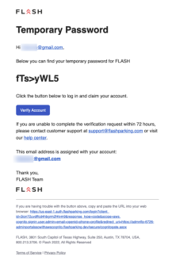
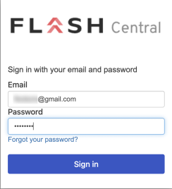
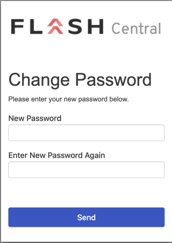
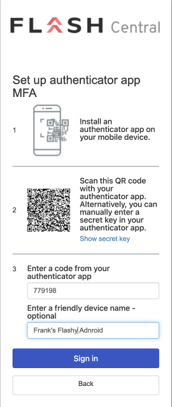
Users sign in with their account credentials and complete Multi-Factor Authentication (MFA) using an authenticator app, such as:
- Google Authenticator
- Microsoft Authenticator
- Authy
MFA adds an extra layer of security by requiring a verification code in addition to the user's password.
 |  |  |  |  |
SSO with Google Accounts
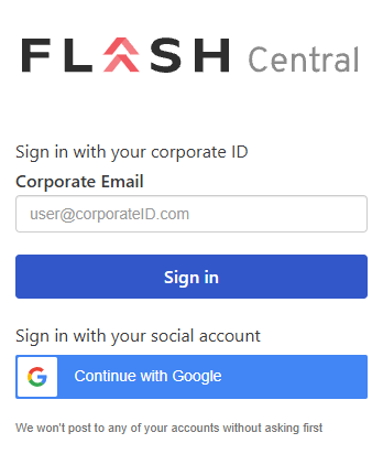
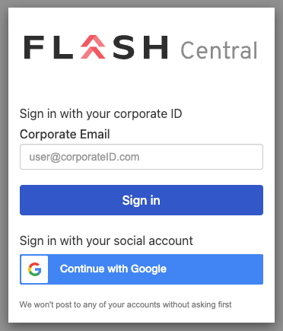
Organizations that use Google Workspace can allow users to sign in with their Google account by selecting Continue with Google on the login page.
This option lets users authenticate using their existing Google credentials without creating or managing a separate Flash password.
 |  |
SSO with an Identity Provider (IdP)
Organizations can integrate their existing identity provider with Flash, allowing users to sign in with their company credentials instead of a separate Flash username and password.
Supported providers include Okta, Microsoft Entra ID (formerly Azure AD), SAML 2.0, and OpenID Connect (OIDC).
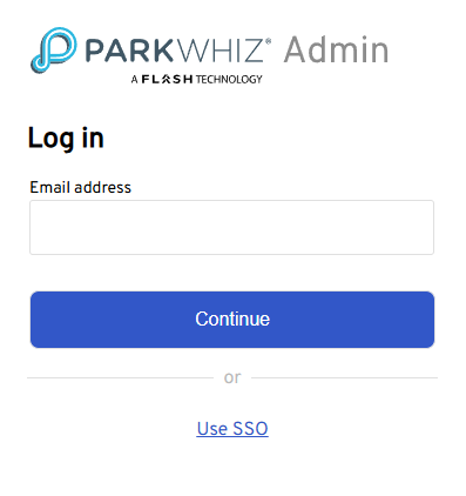
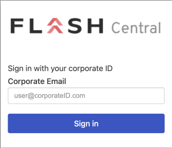
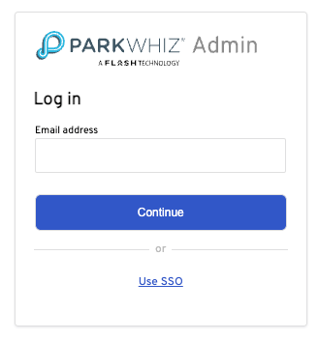
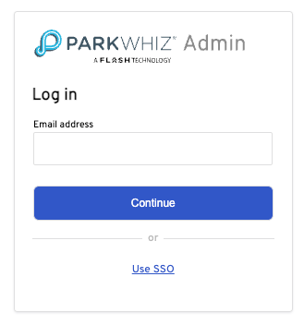
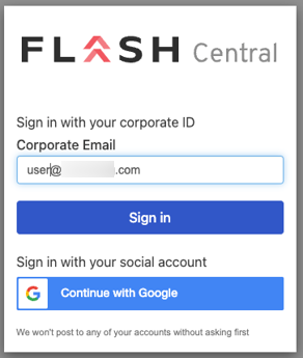
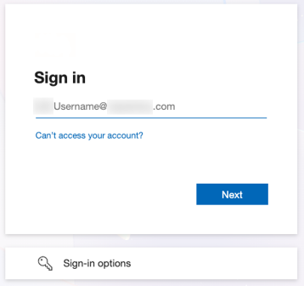
Users select Use SSO, enter their corporate email address, and are redirected to their organization's sign-in page to complete authentication.
 |  |  |
Benefits of IdP Integration
- Supports common identity providers: Flash integrates with providers such as Okta, Microsoft Entra ID (formerly Azure AD), and other SAML 2.0 or OpenID Connect (OIDC) compatible identity providers.
- Centralized access management: Manage Flash access through your organization's existing identity management system.
- Simplified user management: Grant or remove access as employees join or leave your organization.
- Improved user experience: Users sign in with their familiar company credentials instead of managing a separate Flash password.
- Enhanced security: Apply your organization's existing authentication and security policies when accessing Flash.
How to Log In
Users can sign up or log in by selecting the “Continue with Google” or “Use SSO” options. Detailed instructions for each specific portal are available in the documentation linked below:
Was this article helpful?
That’s Great!
Thank you for your feedback
Sorry! We couldn't be helpful
Thank you for your feedback
Feedback sent
We appreciate your effort and will try to fix the article