Hybrid Gated Mode
Hybrid Gated Mode delivers a frictionless entry experience while maintaining revenue protection at exit.
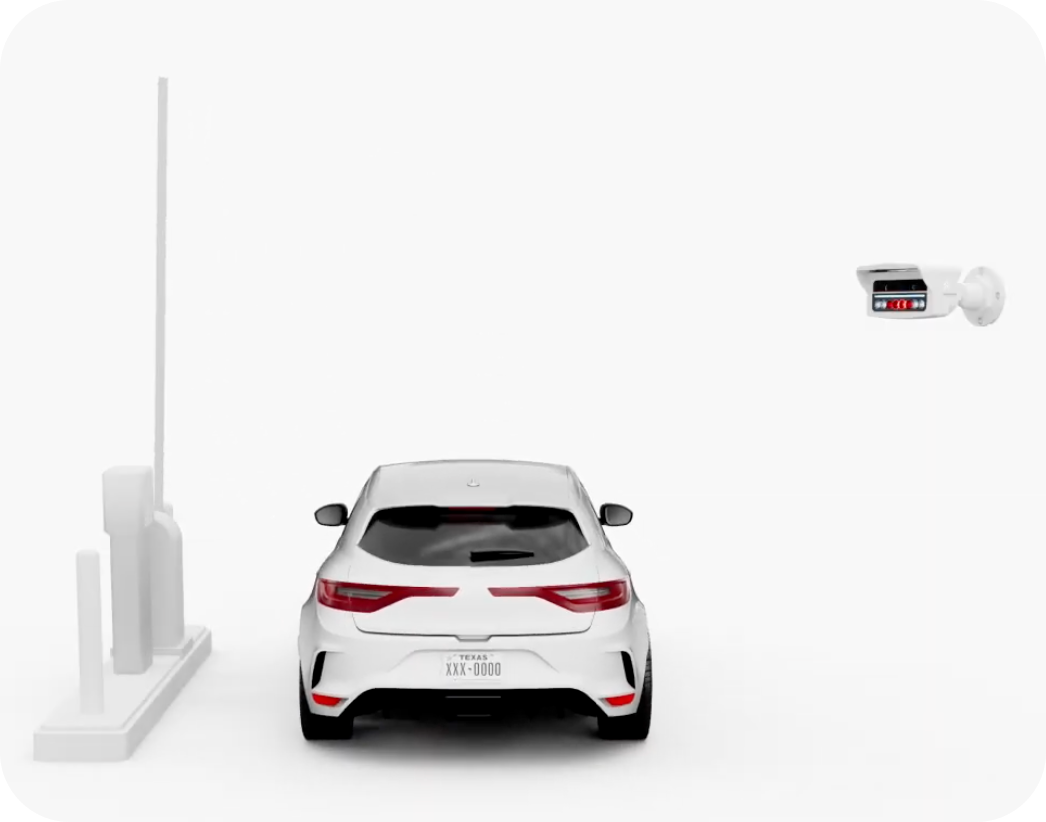
Hybrid Gated Mode is only available on the Parkonect system. How it works
Entry Gate:
- Gate remains down by default
- Automatically opens (“auto-vends”) when LPR captures a valid license plate.
- No driver interaction required at entry
Exit Gate:
- Gate remains down
- Drivers who used Express Pay exit seamlessly
- Drivers who did not use Express Pay are shown the balance due on the exit kiosk automatically based on the license plate read.
Why operators choose Hybrid Gated Mode:
- Faster vehicle intake
- Reduced entry lane congestion
- Maintained revenue control at exit
- Works seamlessly with Express Pay
Hybrid Gate Mode Compatibility
Monthly Parkers
To ensure a seamless experience in Hybrid Gated Mode:
Requirement
- Monthly parkers must have a license plate on file.
- If no plate is on file, the system cannot match the vehicle at exit, and the driver may receive a payment prompt.
Monthly Learning Mode
Before going live with Hybrid Gated Mode, operators can use Monthly Learning Mode to:
- Capture license plates associated with monthly accounts
- Build an accurate LPR database
- Reduce friction on launch day
Backup Credential (Required During Learning Period)
During the Monthly Learning period, monthly parkers must be issued a backup access credential (e.g., keycard, QR credential, mobile pass).
Many operators use digital wallet credentials via PassKit for a simple, contactless backup solution.
Pay-on-Foot Kiosk
Requirement
- License Plate Look-Up must be enabled.
This allows drivers to:
- Enter their plate number at the POF kiosk
- Retrieve their parking session
- Pay before returning to their vehicle
Exit gate auto-vends based on the license plate recognition of payment from POF.
Validations
The full Parkonect validation ecosystem is supported in Hybrid Gated Mode, enhanced by License Plate Look-Up for drivers who do not use Express Pay.
Validation Barcodes
- Can be scanned via Express Pay
- Can be scanned at the exit kiosk when the balance auto-displays
Validation Kiosk / Station
- Drivers can scan the Express Pay QR code for automatic discount application
- Alternatively, drivers can enter their license plate to discount their session (kiosk only)
Validation Portal
- Offers license plate look-up for transient parkers
- Discounts can be applied remotely before exit
Manual Promos (Express Pay only)
- Drivers can enter a Discount/Promo Code within Express Pay
- Parkonect validation codes apply automatically to the session
- Great option to encourage Express Pay usage!
Credentials Not Supported
Since entry interaction is bypassed, not all Parkonect credential options are compatible with Hybrid Gated Mode
Was this article helpful?
That’s Great!
Thank you for your feedback
Sorry! We couldn't be helpful
Thank you for your feedback
Feedback sent
We appreciate your effort and will try to fix the article