"I'm a monthly parker, but I'm being prompted for payment at exit?
What likely happened
- The monthly parker does not have their license plate linked to their monthly account.
- The LPR system identifies them as an Express Pay user but not a monthly parker.
- If the gate vends and the screen shows Express Pay, then the Monthly Parker should not drive through and should instead tap their prox card
Operator Guidance
Driver confirmation kiosk setting
Prompts the driver before auto-starting an EP session, allowing them to use a prox card or other monthly credential instead.
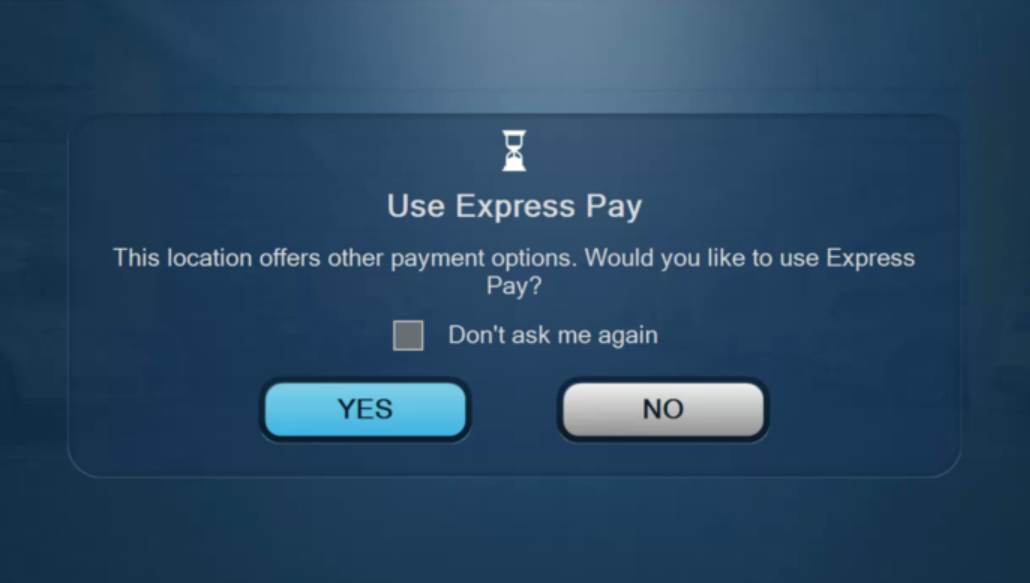
The driver confirmation setting is the most immediate operator-side control for preventing auto-charging until the plate is correctly associated.Look for the Monthly Parker’s LP information
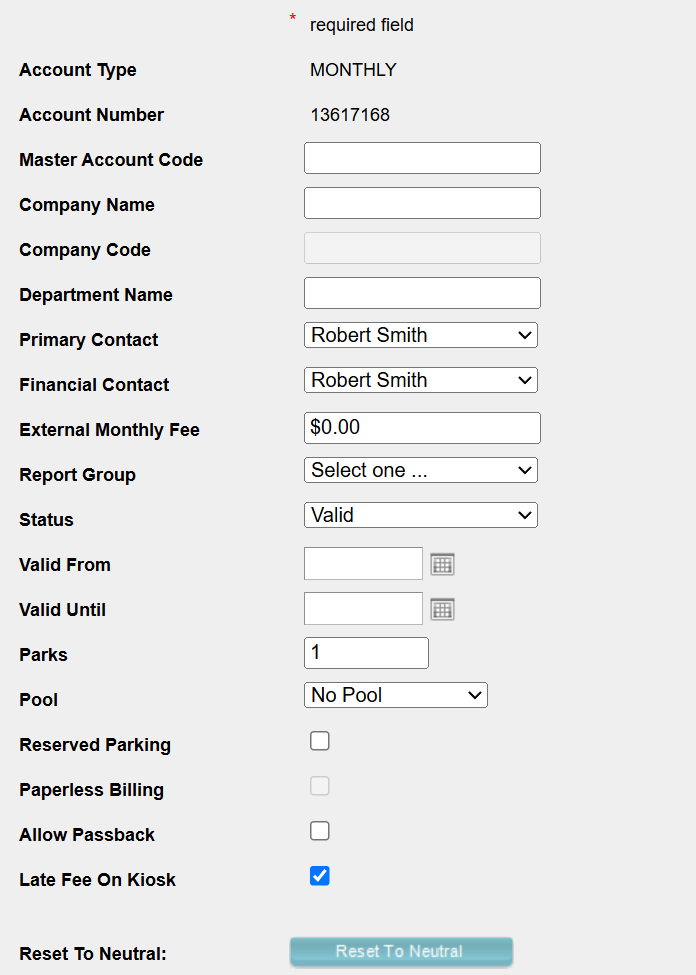
Search for the monthly parker using the Monthly tab in the Admin Portal by any of the available search parameters, and verify their license plate information to be associated with the current session’s ticket.

- Name
- Monthly Account Number
- Monthly Account External ID
- Unit Number
- Room Number

Recommendations
Refer to the License Plate Recognition for Monthly Parkers article for more guidance.
Be aware that the core fix is ensuring LP and monthly account linkage is enforced at enrollment or entry.
Was this article helpful?
That’s Great!
Thank you for your feedback
Sorry! We couldn't be helpful
Thank you for your feedback
Feedback sent
We appreciate your effort and will try to fix the article