What to do if the camera failed to read my license plate?
Description:
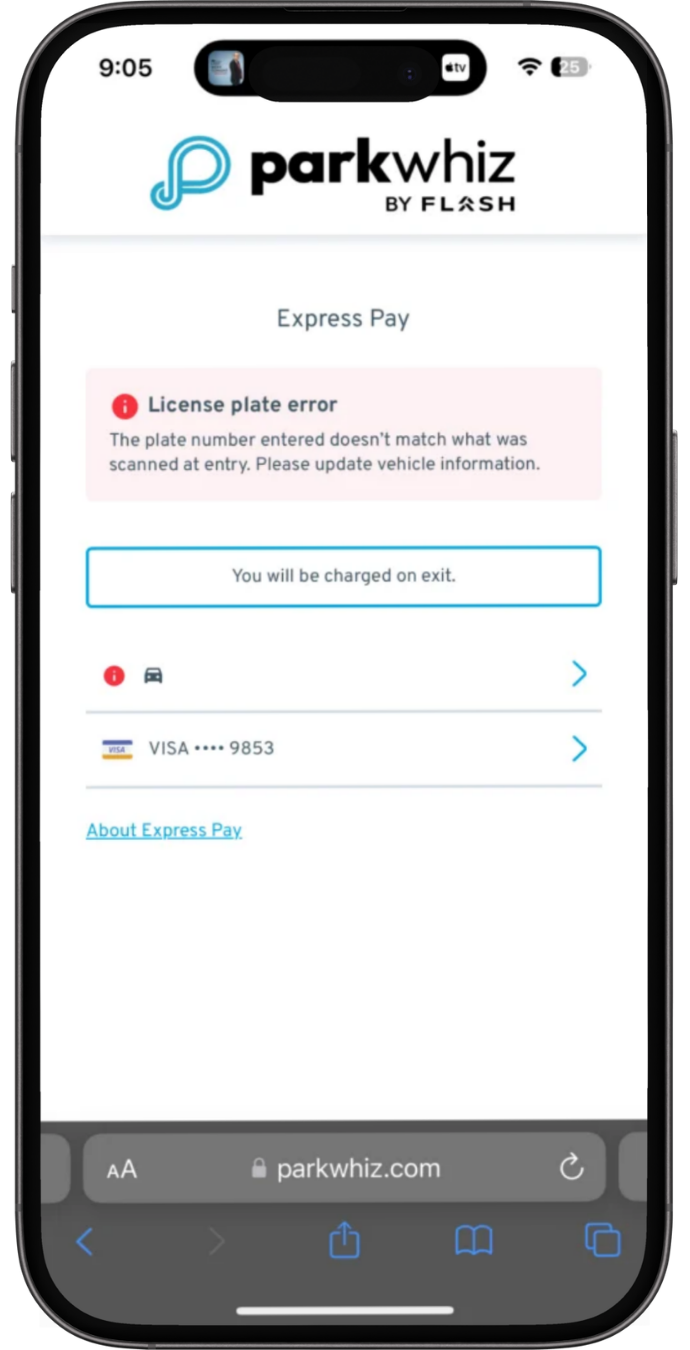
This issue occurs when the Entry LPR successfully matched the license plate to an active Express Pay session, but the Exit LPR failed to read or match the plate.
Agent Instructions & Details:
ParkWhiz:
- Assure the driver that this is typically a plate-read failure at the exit, not an enrollment issue.
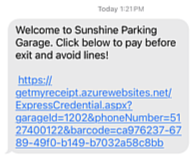
- Instruct the parker to open the Express Pay SMS message they received upon entry or the Parkmobile app if they used Parkmobile for Express Pay.
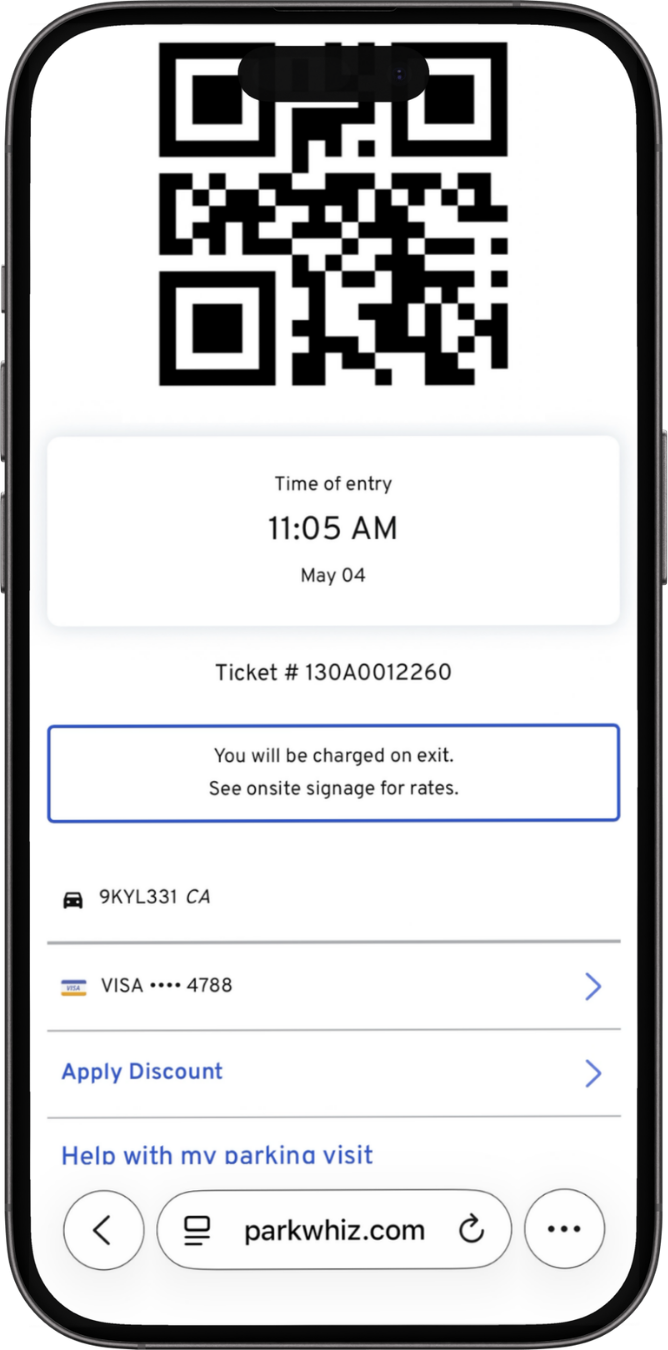
- Have the driver tap the link in the text to display their digital ticket QR code. For Parkmobile, open the Parkmobile app to access the QR Code.
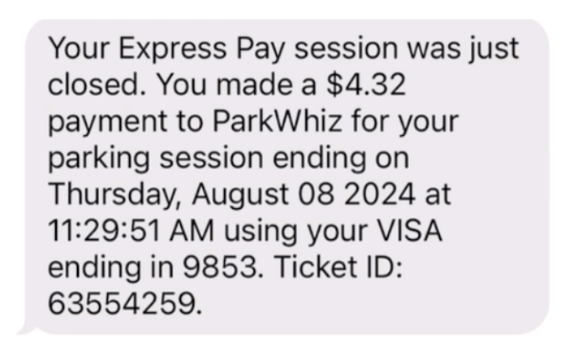
- Ask the driver to scan this QR code at the exit kiosk scanner. This backup credential will successfully close the session, charge the card on file, and vend the gate.
This issue occurs when the Entry LPR successfully matched the license plate to an active Express Pay session, but the Exit LPR failed to read or match the plate.
Script: "I completely understand, and I’m happy to assist you! This usually happens when the exit camera is unable to read or match your license plate. Rest assured, your enrollment is perfectly fine. We can quickly get the gate open for you using your digital ticket" |
Script: "Please scan this QR code directly at the scanner on the exit kiosk. This will automatically close out your session, process the payment on your card on file, and lift the gate for you." |
Was this article helpful?
That’s Great!
Thank you for your feedback
Sorry! We couldn't be helpful
Thank you for your feedback
Feedback sent
We appreciate your effort and will try to fix the article