EDITING LICENSE PLATE INFORMATION
Cardholders
Customer Administrators can use their access to the Monthly Accounts and Cardholders tabs to edit or add a license plate to a monthly parker.
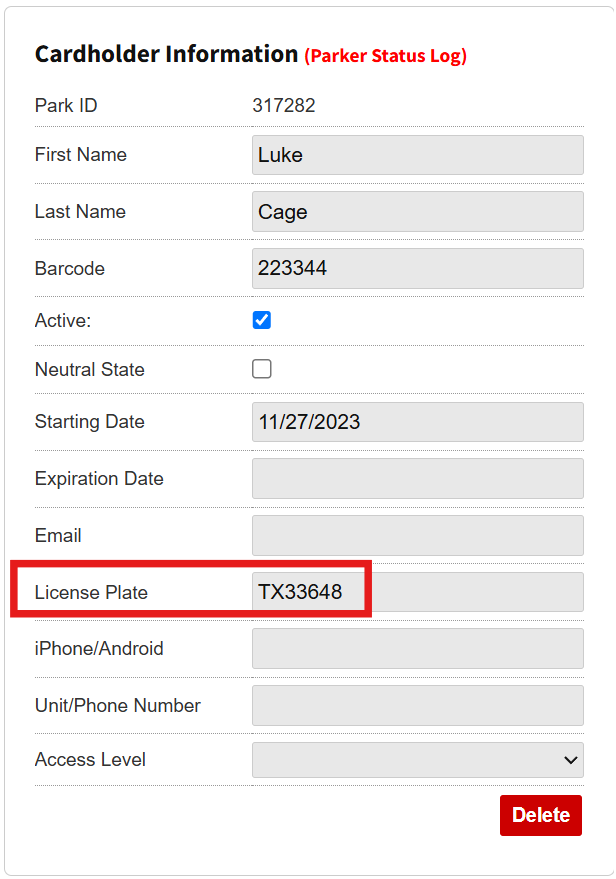
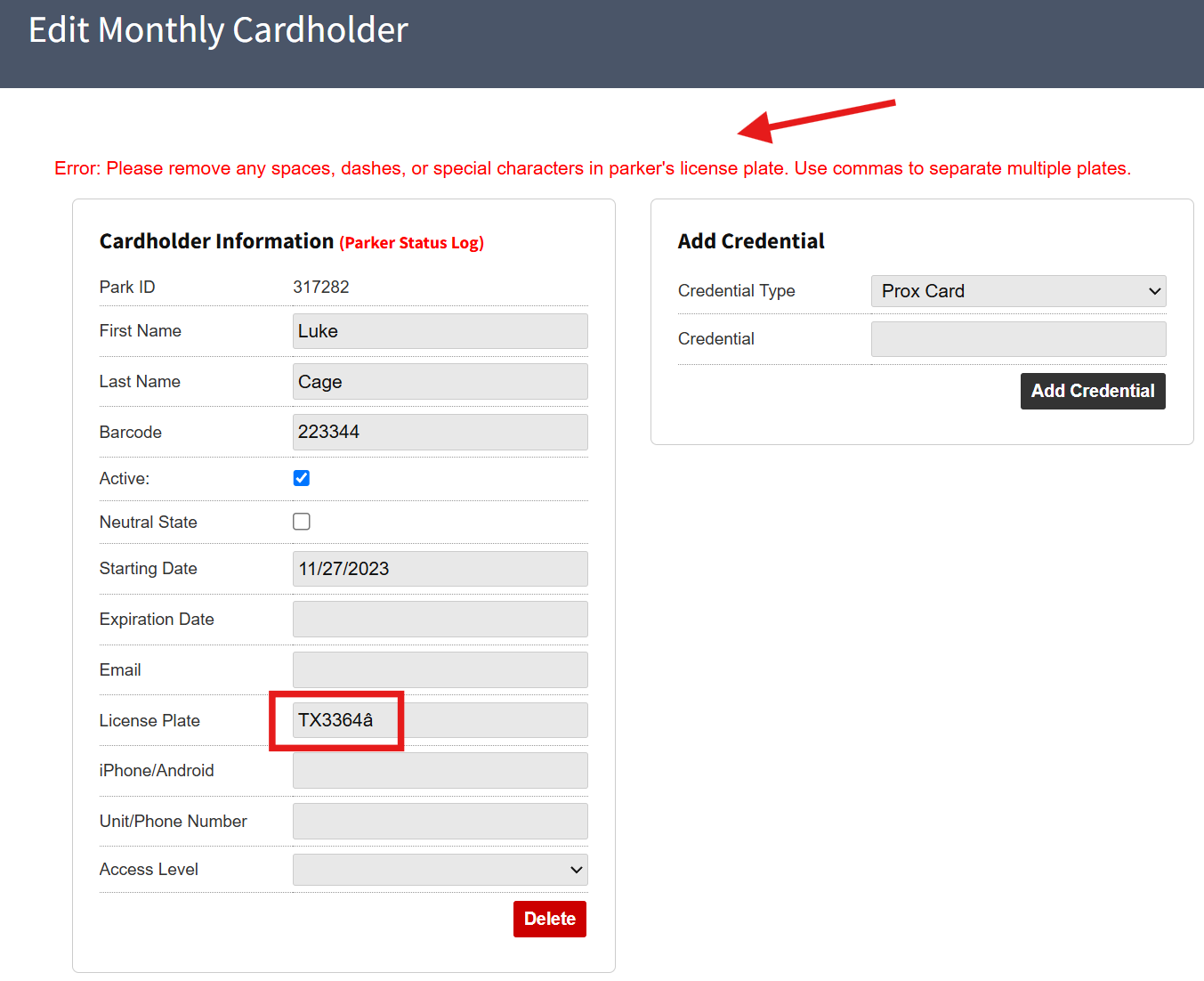
In the same way as editing or adding an LP in the Garage or LPR Log, adding a special character or extra space is not allowed and will show an error message when trying to save the plate for the cardholder.
Customer Admins can only see information for monthly parkers in the Monthly section for the Garage Log, license plate cannot be added or edited this way.
Was this article helpful?
That’s Great!
Thank you for your feedback
Sorry! We couldn't be helpful
Thank you for your feedback
Feedback sent
We appreciate your effort and will try to fix the article