ADDING OR EDITING A LICENSE PLATE
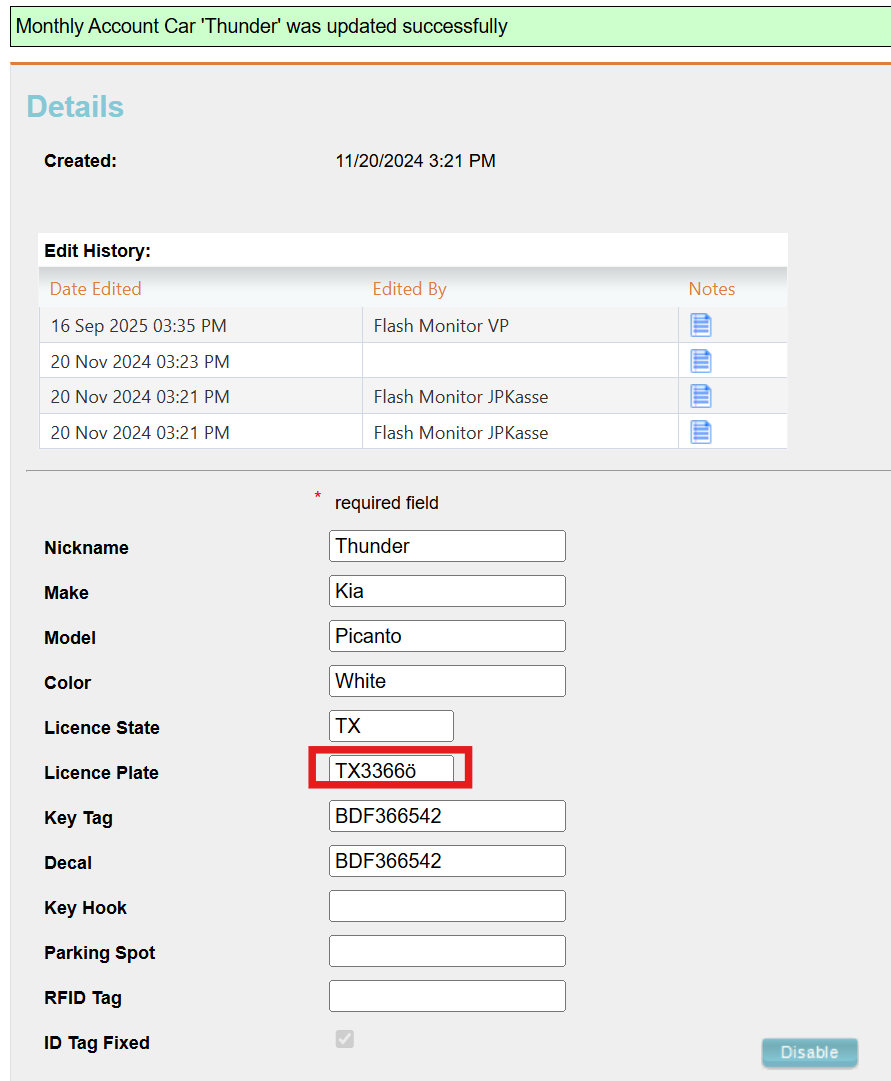
Admin users with access to the Monthly tab can add or edit parkers’ license plate credentials. Be aware that no special characters or stacked letters are allowed. Adding or editing a license plate with any unavailable character will show an error message and prevent the user from adding or correcting the plate.
Monthly Tab
By selecting the Monthly tab, Admins can view a list of the monthly parkers for available locations.
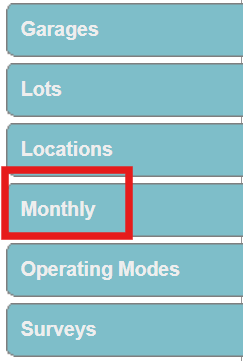
- Click the Monthly tab at the left-hand side of the portal and select the location from the list.
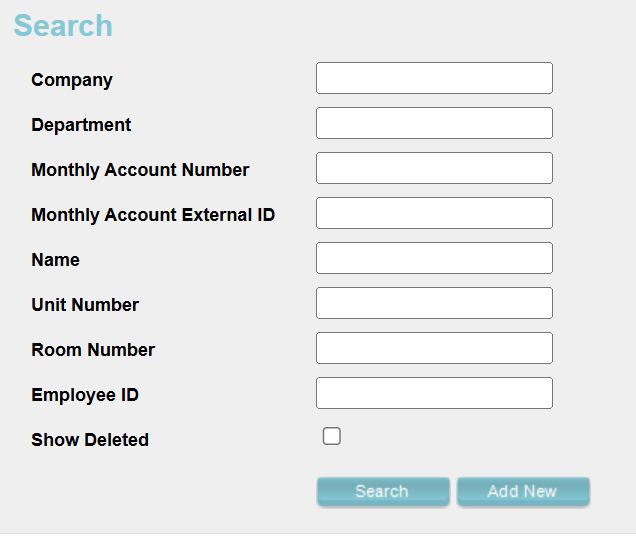
- Search for the desired monthly parker by filling in the data fields with available information, or click the search button without inputting any information to generate a list of all monthly parkers for the location.
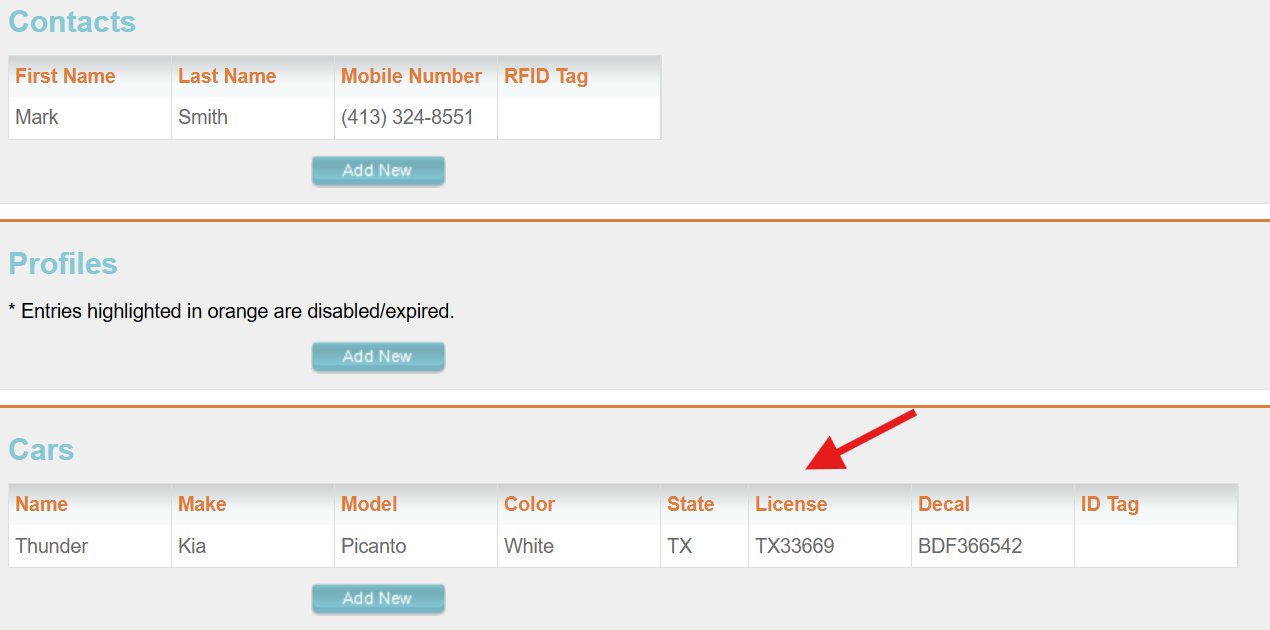
- After selecting the desired monthly parker, click the vehicle to add or edit the LP under the Cars section.
- Add or edit the LP in the License Plate text field.
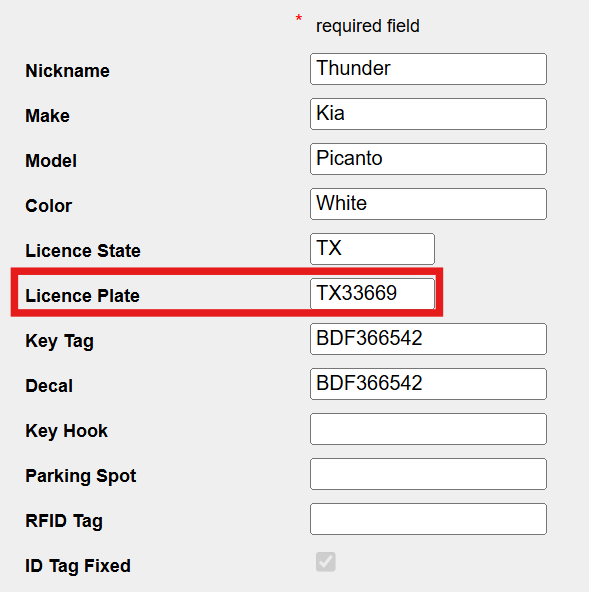
Be aware of any special characters or spaces when editing or adding a plate, since the system will show no error and allow you to save the plate.
Was this article helpful?
That’s Great!
Thank you for your feedback
Sorry! We couldn't be helpful
Thank you for your feedback
Feedback sent
We appreciate your effort and will try to fix the article