VALET DTC TIPPING CONFIGURATION
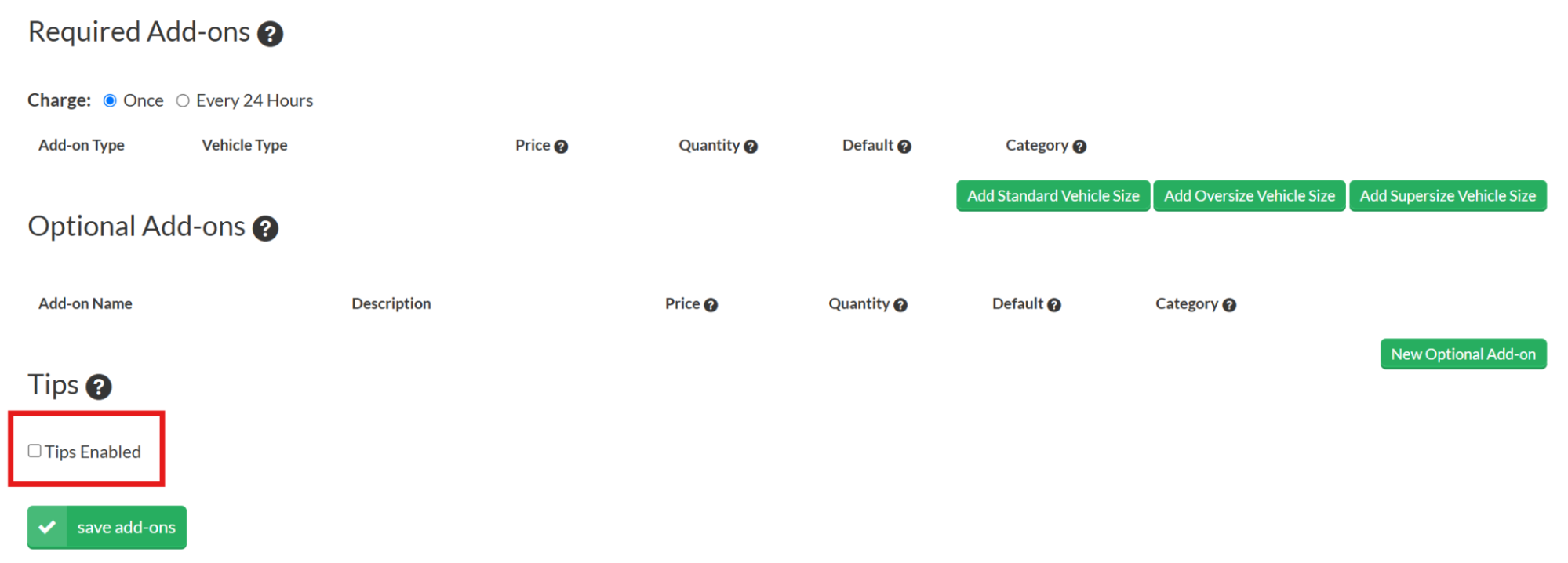
If you're having trouble configuring this feature, please contact help@parkwhiz.com for assistance.1. Click the Add-ons section > Click Tips Enabled to enable tipping for Digital Ticket Checkout (DTC) and display options for preset types.

2. Selecting None (free-form only) gives the user only the Custom Tip option, whereas Percentage of Parking Base and Fixed Dollar Amount offer preset, configurable options in addition to Custom Tip.
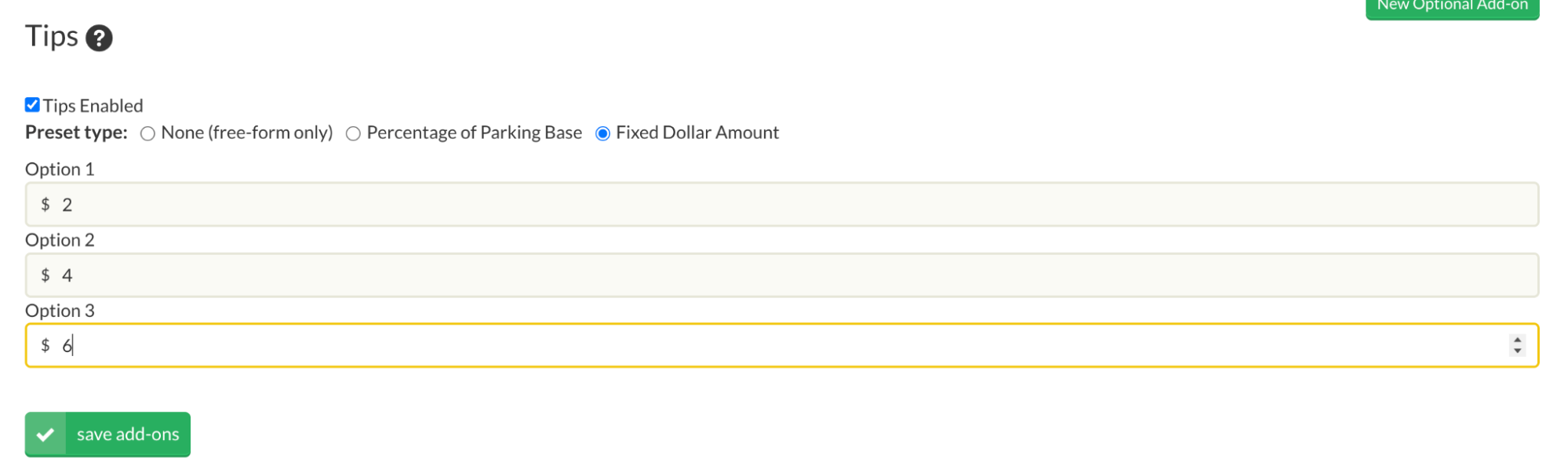
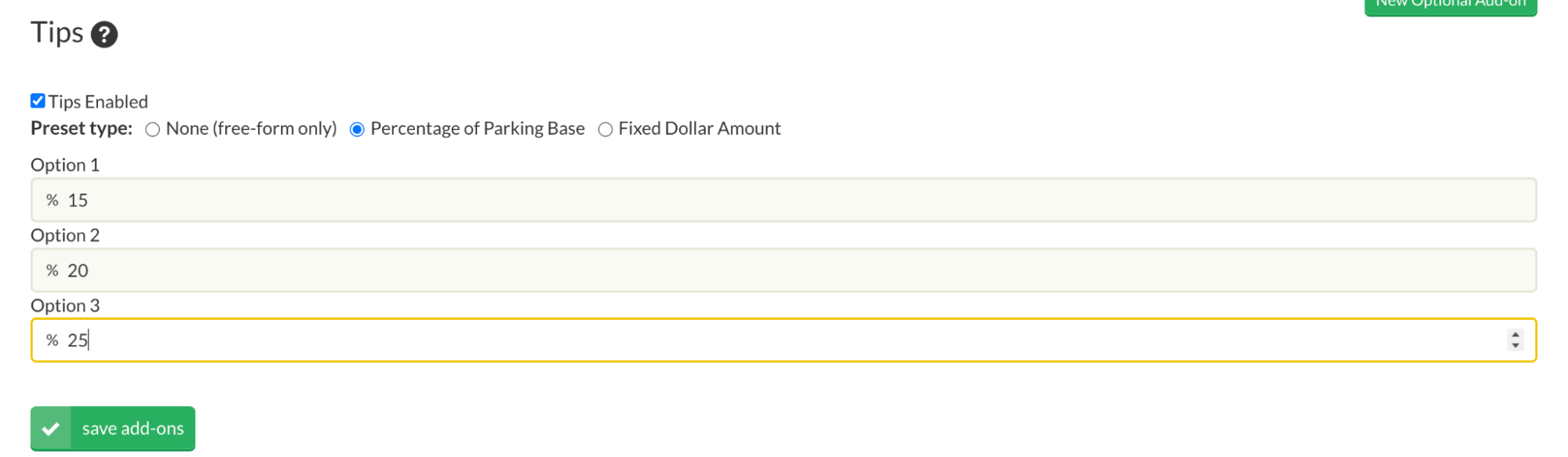
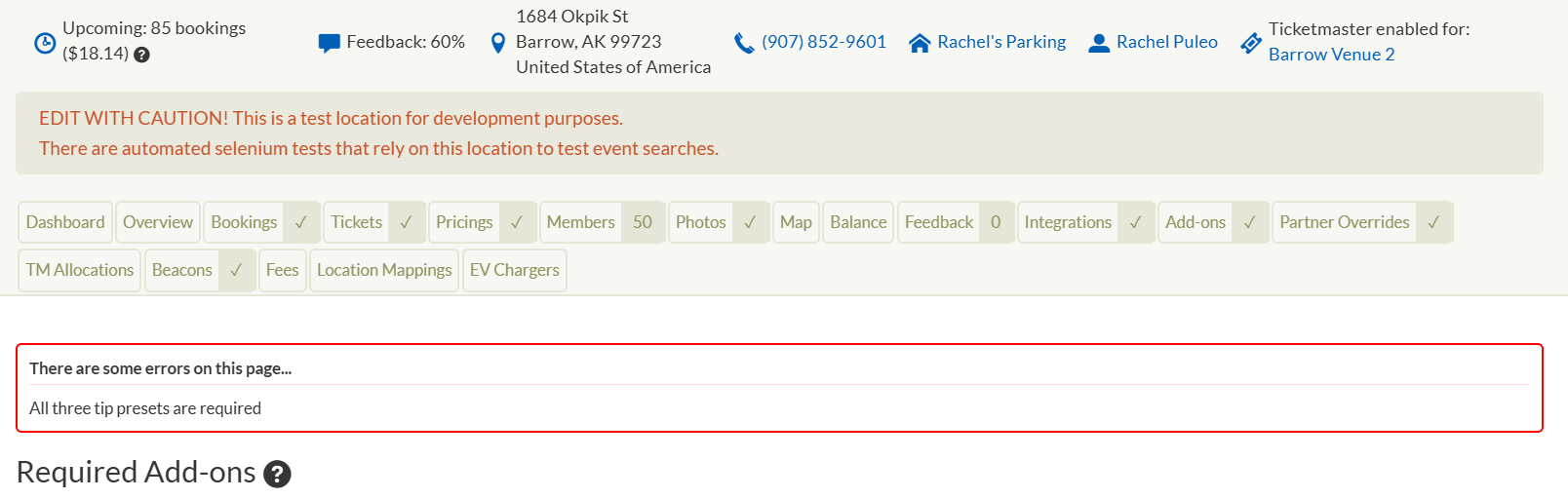
3. When using the presets, all three fields must be filled in, or the user will be presented with the following error:
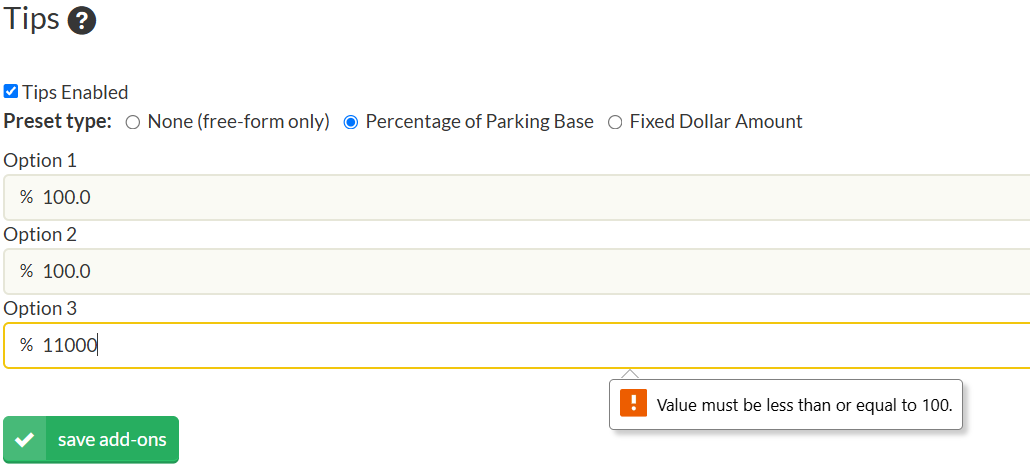
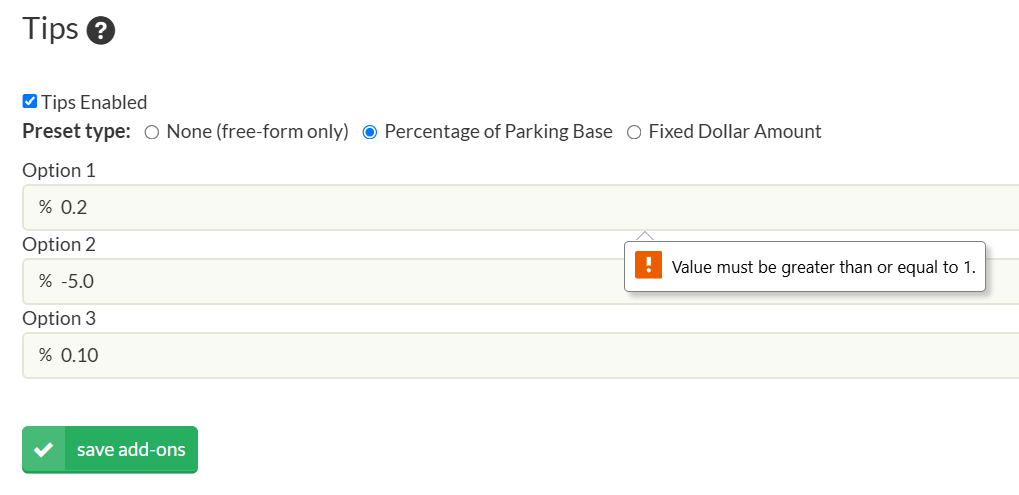
4. Percentages need to be positive, greater than 1% and less than or equal to 100%.
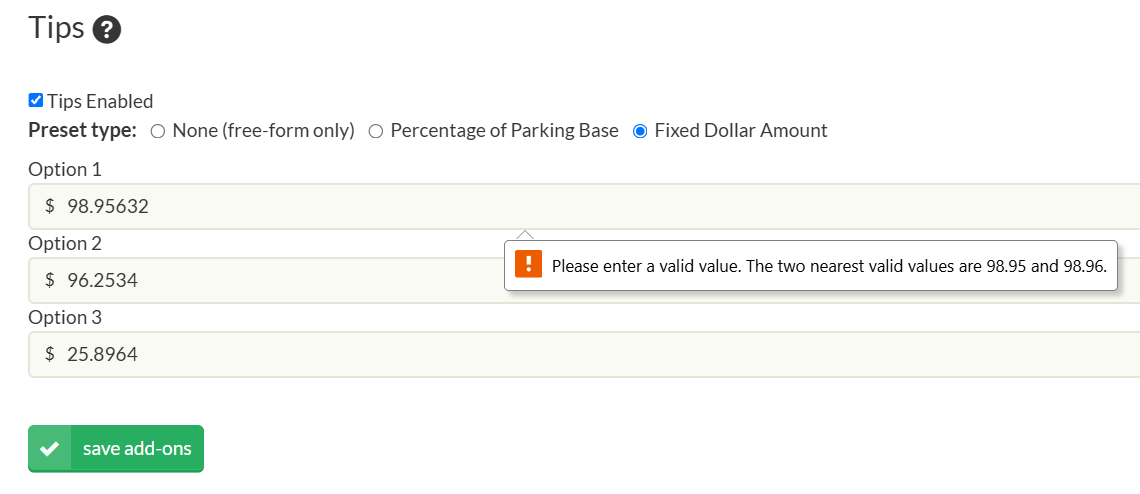
5. For fixed amount presets, values need to be positive, greater than zero, and less than $99.99.
Percentages must be two decimal places.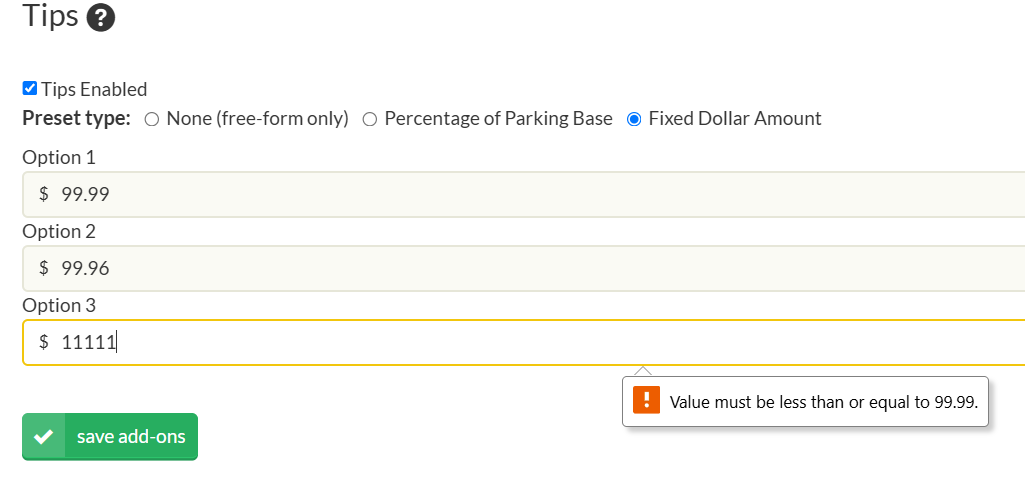
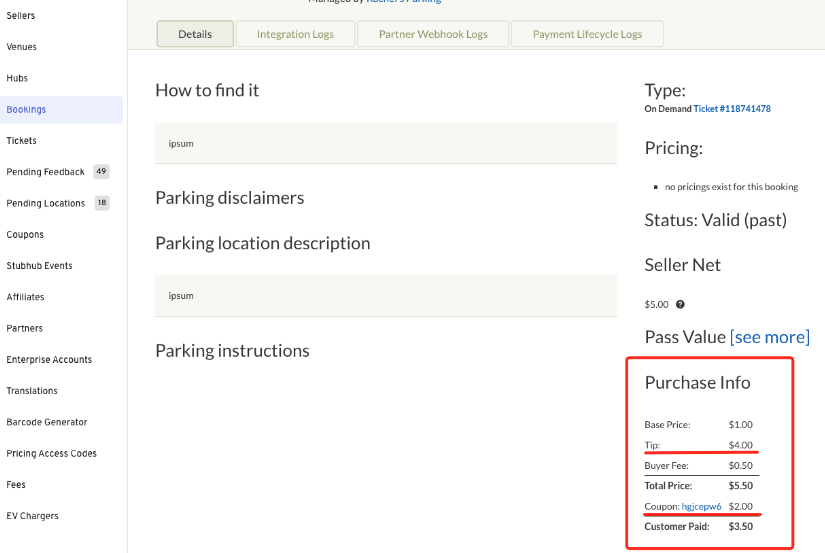
6. On a completed DTC checkout with a tip, the tip will display in the Bookings detail in PW Admin.
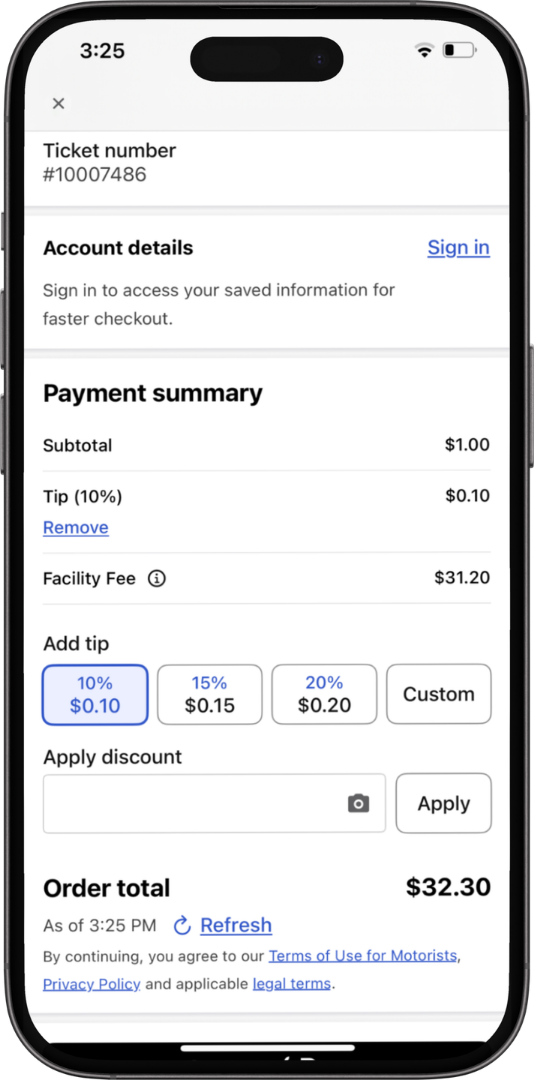
DTC Valet Tipping Customer View
Was this article helpful?
That’s Great!
Thank you for your feedback
Sorry! We couldn't be helpful
Thank you for your feedback
Feedback sent
We appreciate your effort and will try to fix the article