EXPRESS PAY DRIVER CONFIRMATION AT ENTRY
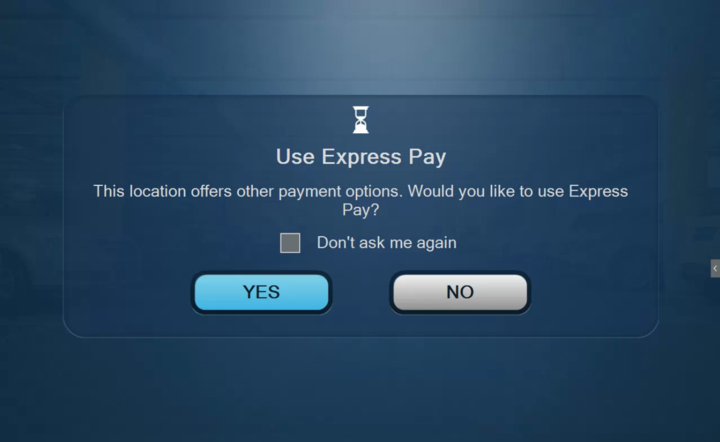
The Express Pay entry prompt is supported by Flash PARCS version 4.0.5.0 or higher
Why Drivers May Be Asked to Confirm Express Pay at Entry
At some Flash PARCS locations, drivers enrolled in Express Pay may see a prompt at the entry kiosk asking whether they want to use Express Pay for that visit.
This helps prevent unintended charges and improves the parking experience at locations where multiple parking credentials or access methods are enabled.
Why this Prompt Exists
In some cases, a license plate registered for Express Pay may want to use other parking privileges, such as:
- Discount or promotional PIN access codes
- Hotel or valet parking arrangements
- Loyalty or membership programs
- Prepaid reservations that don't require a license plate
Without confirmation, an Express Pay session could start automatically even when another valid parking method is available. The entry prompt ensures the driver chooses the option they intend to use.
Providing a smooth, transparent parking experience is a priority for us, and this extra confirmation step helps ensure drivers are charged correctly while preserving flexibility when multiple parking options exist.
When does the entry prompt apply?
If a Flash PARCS location uses any of the following parking products or credential types below, drivers with an enrolled license plate will be asked at entry whether they want to use Express Pay.
This prompt appears automatically when these products are configured in the location. If none of these products are used at a location, Express Pay will typically start automatically without asking for confirmation for all drivers.
- Flash Pass
- ParkWhiz Multi-Pass
- PIN Access Codes
- Hotel Parking Access
- PrePay Overnight
- Hotel Key Card Access (PMS Integration)
- Membership
- Loyalty Program Integrations
- Check In / Check Out Integrations
- Valet or Operational Access Credentials
- Inside Valet operations
What Happens at Entry
When an enrolled license plate is detected at entry
You’ll be asked whether to use Express Pay.
- Select YES — A parking session begins using Express Pay (automatic payment at exit).
- Select NO — You can enter using another available method, such as a PIN Code, hotel credential, Flash Pass, or other approved access type.
This helps avoid duplicate charges and ensures the correct parking rate or entitlement is applied.
Saving Drivers Preference
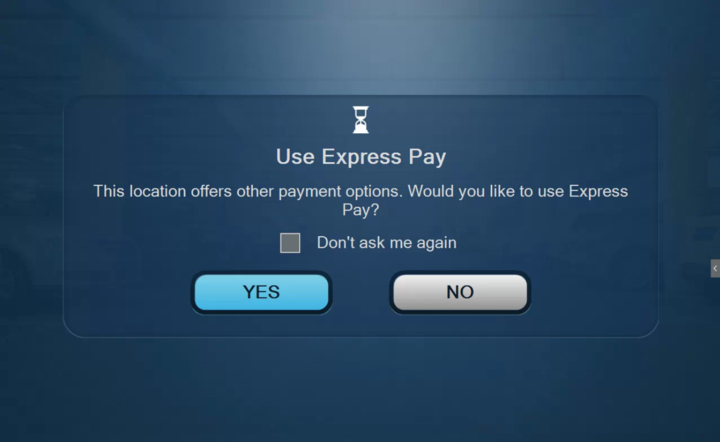
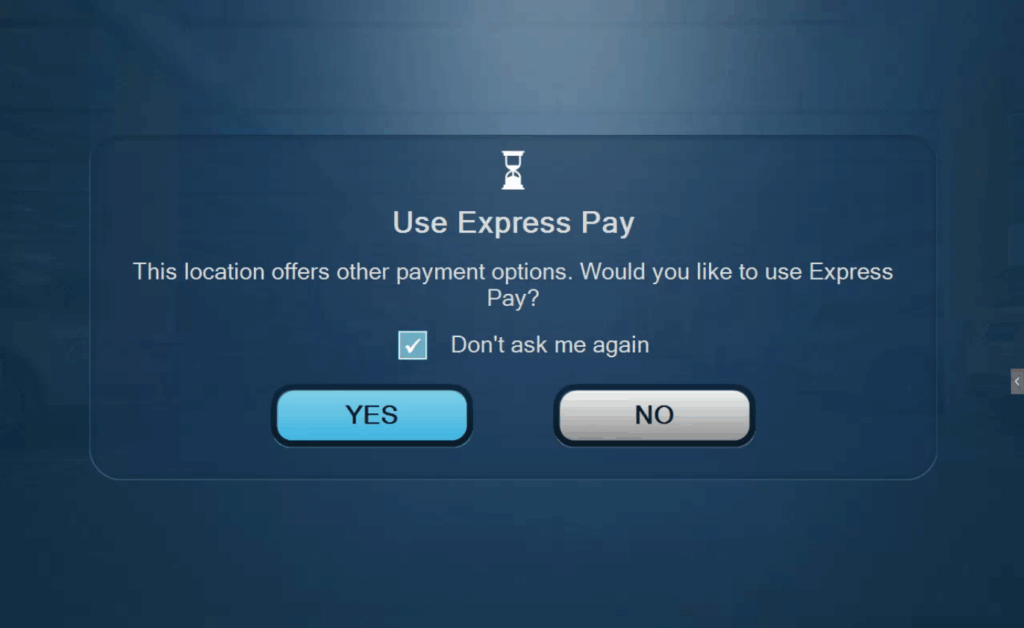
The “Don’t ask me again” checkbox option is available.
- Selecting this checkbox saves your choice for that specific location.
- Future visits there will automatically follow your saved preference.
- The prompt will no longer appear for this captured license plate at that location.
Important:
- The saved preference applies only to that location.
- The setting can be reset once selected by contacting Flash Support.
FAQS
Q: What does it mean to be enrolled in Express Pay?
A: Enrolling your vehicle's license plate in Express Pay grants automatic entry and exit at all Express Pay locations. Gates auto-vend based on license plate recognition, and payment is processed automatically to the payment method on file.
Q: If a driver selected “Don’t ask me again,” can the selection be changed?
A: Yes. Flash Support can reset this preference. Please contact support@flashparking.com for assistance.
Q: Can the entry prompt be disabled?
A: No. The prompt cannot be disabled if certain parking products or credential types are configured at a location. When these modules are in use, drivers with an enrolled license plate will automatically be asked whether they want to use Express Pay at entry.
If the prompt appears unexpectedly, reviewing the configured parking products may help identify whether a module is active that requires confirmation.
Was this article helpful?
That’s Great!
Thank you for your feedback
Sorry! We couldn't be helpful
Thank you for your feedback
Feedback sent
We appreciate your effort and will try to fix the article