MOBILE NUMBER ENTRY WITH EXPRESS PAY
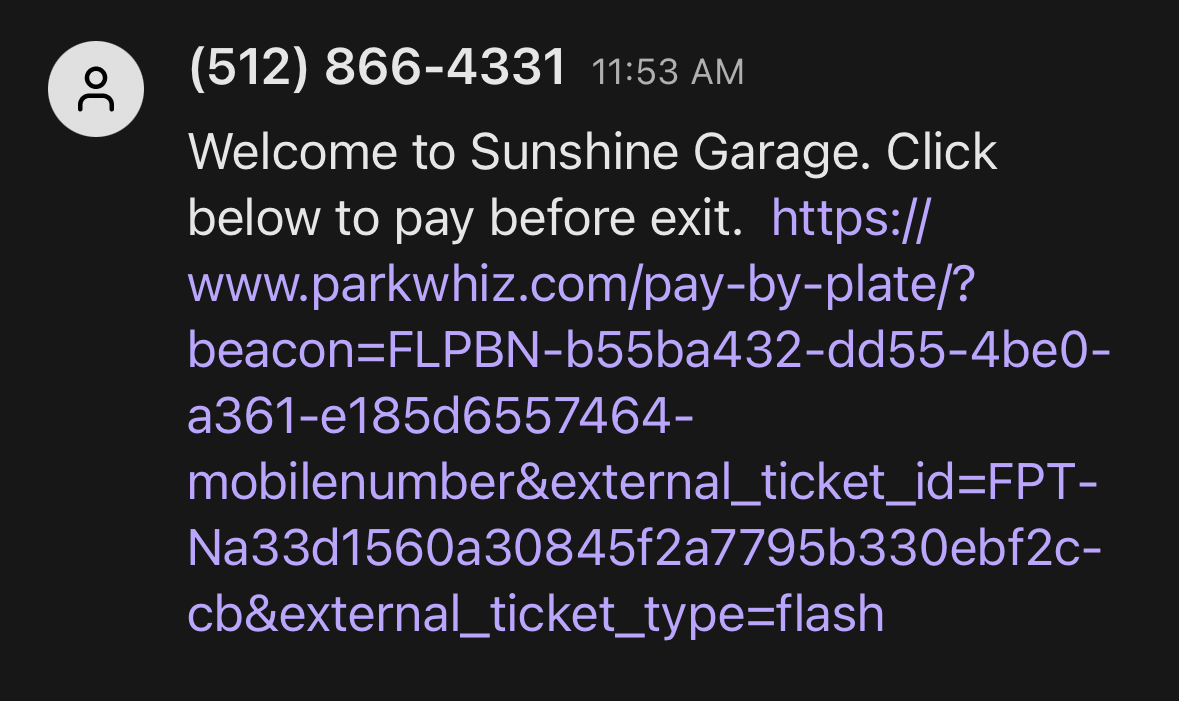
This Flash PARCS feature allows transient parkers to enter the parking facility using their mobile phone number and receive an automatic SMS (to the entered mobile number) that includes a link directing them to pay via Express Pay.
This tutorial shows the parker’s screen-by-screen experience.
Entry Kiosk
1. The driver taps the Ticketless Entry button.
You can configure the default ticket button to show Mobile Number Entry on the initial screen. This moves the "Get a ticket" (paper ticket) option under the "Other Access Options".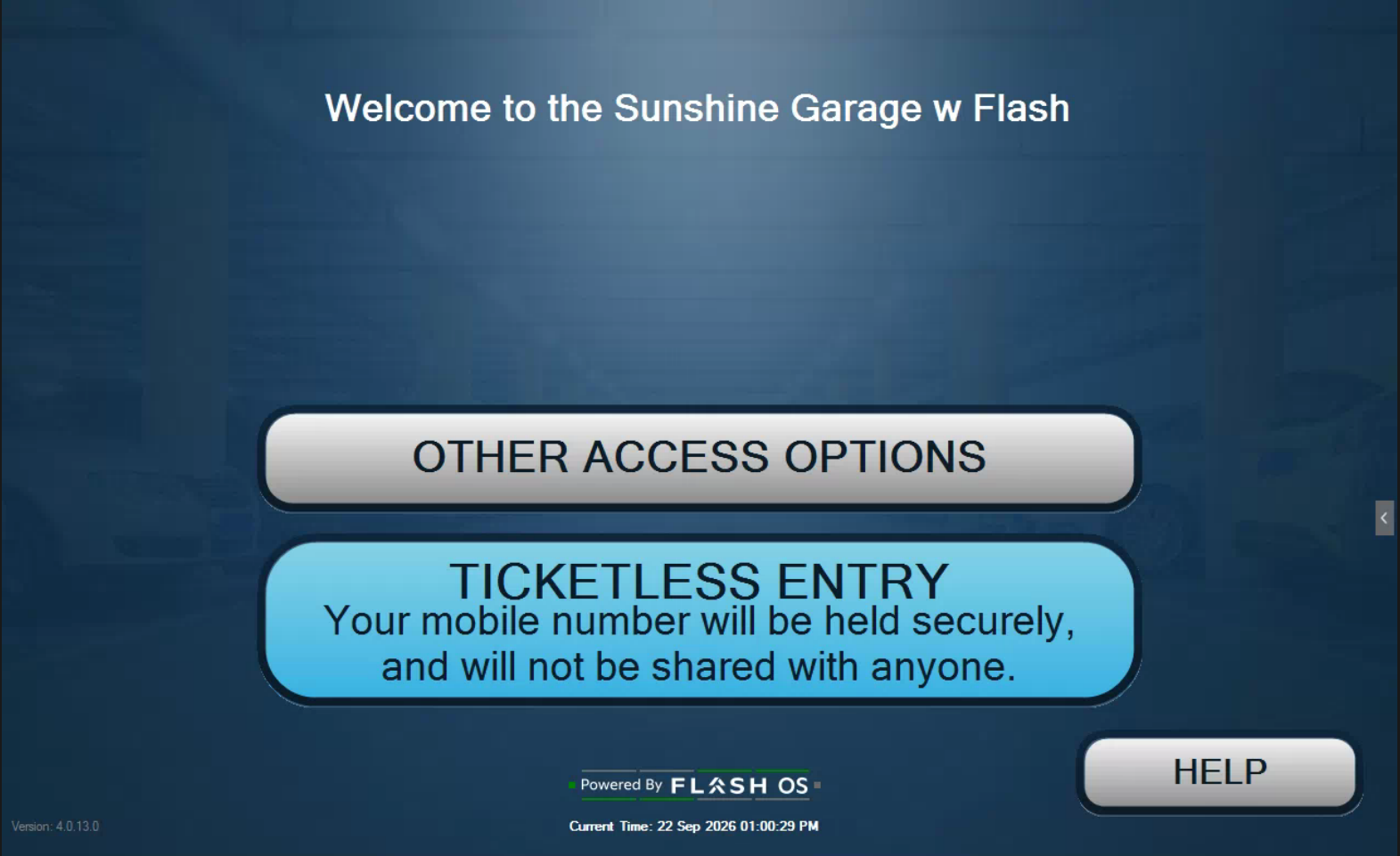 Note: The mobile Number entry option (Ticketless Entry) is not the default UI experience. The Parking Operator can send a request to support@flashparking.com to have it configured this way. The default view shows a “Get a Ticket” button to print a paper ticket.
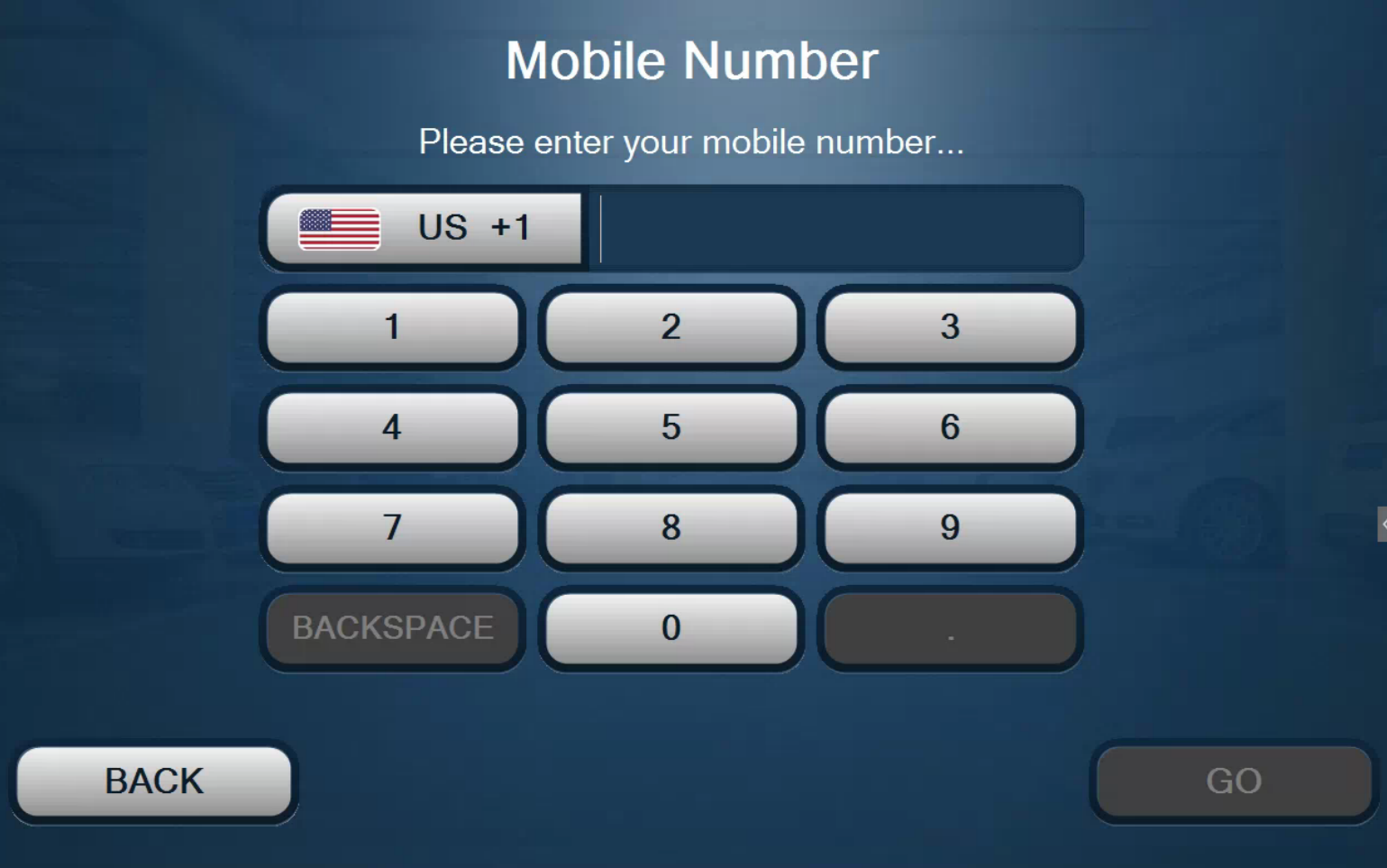
2. In the next screen, the driver inputs their phone number and then clicks the GO button.
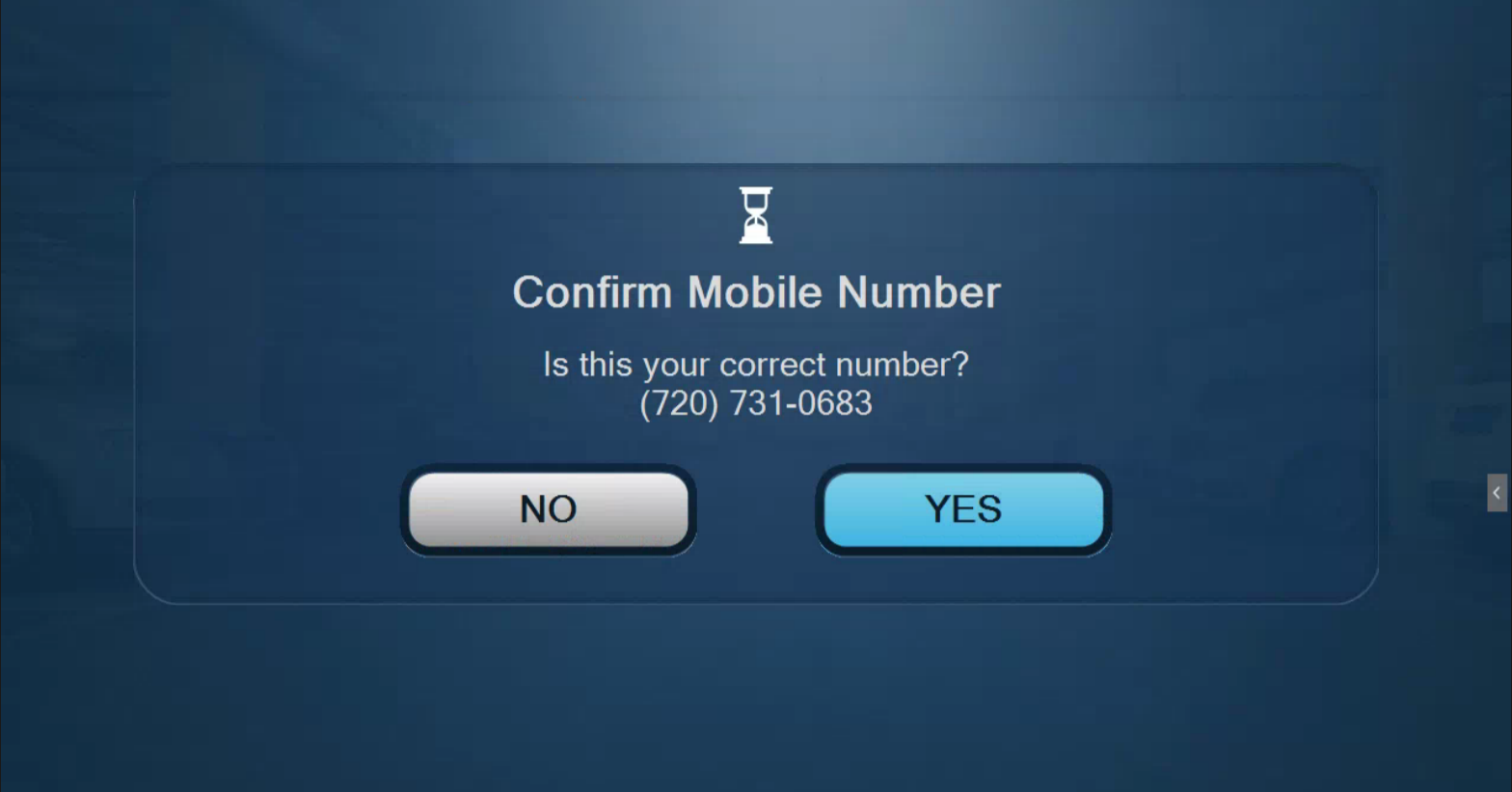
3. The last screen is for mobile number confirmation; click YES to confirm.
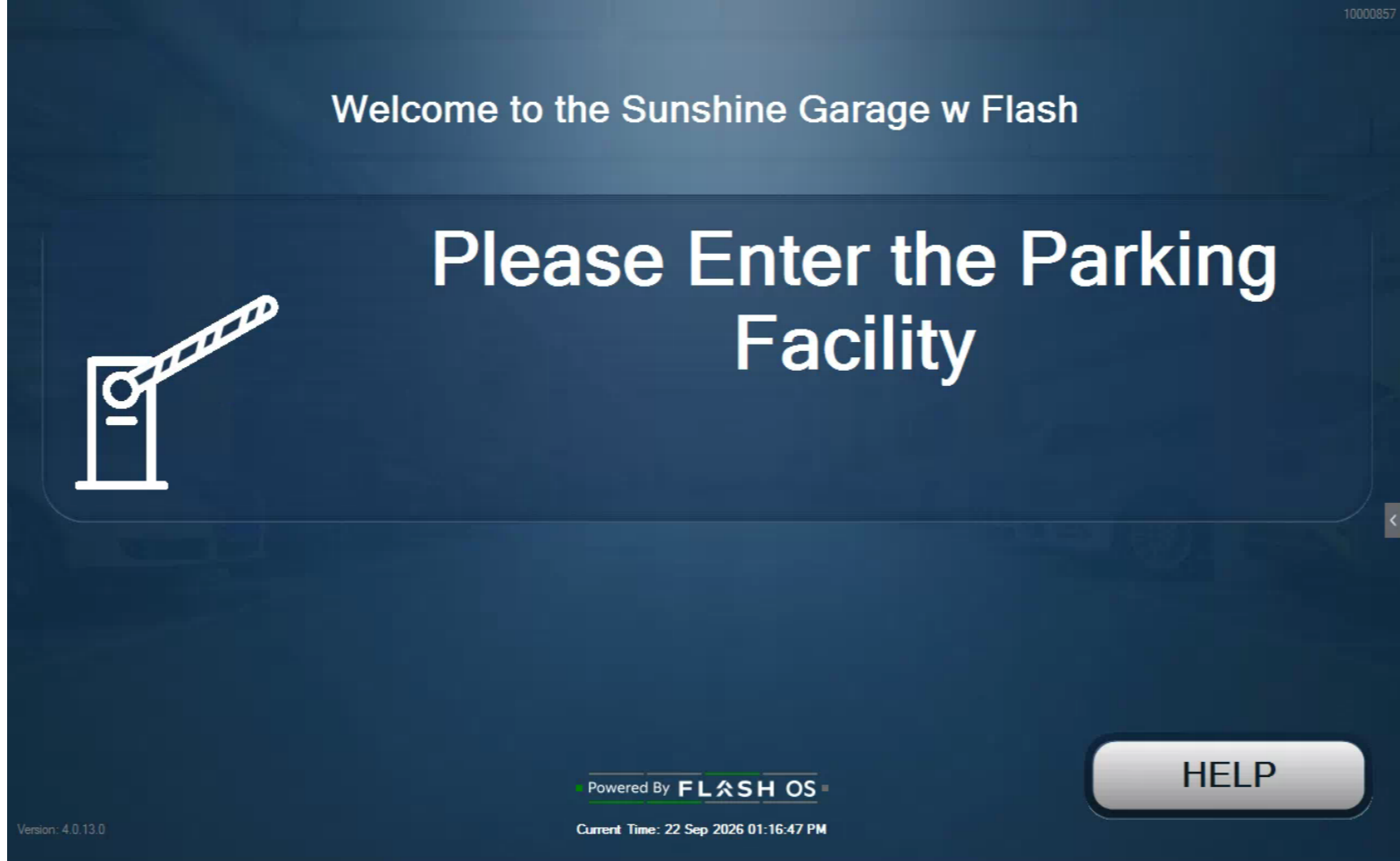
4. The system verifies that the mobile number is not already in use at the facility, and the driver enters through the open gate.
Automatic SMS Notification
The driver clicks the link sent via SMS, which takes them to Express Pay to match their parking session to the captured license plate and to add a credit card on file.
If the driver chooses not to use Express Pay, they will be presented with the amount due on the Exit kiosk via the LPR auto-present fee functionality or they can enter their mobile number on the exit kiosk.
Was this article helpful?
That’s Great!
Thank you for your feedback
Sorry! We couldn't be helpful
Thank you for your feedback
Feedback sent
We appreciate your effort and will try to fix the article